


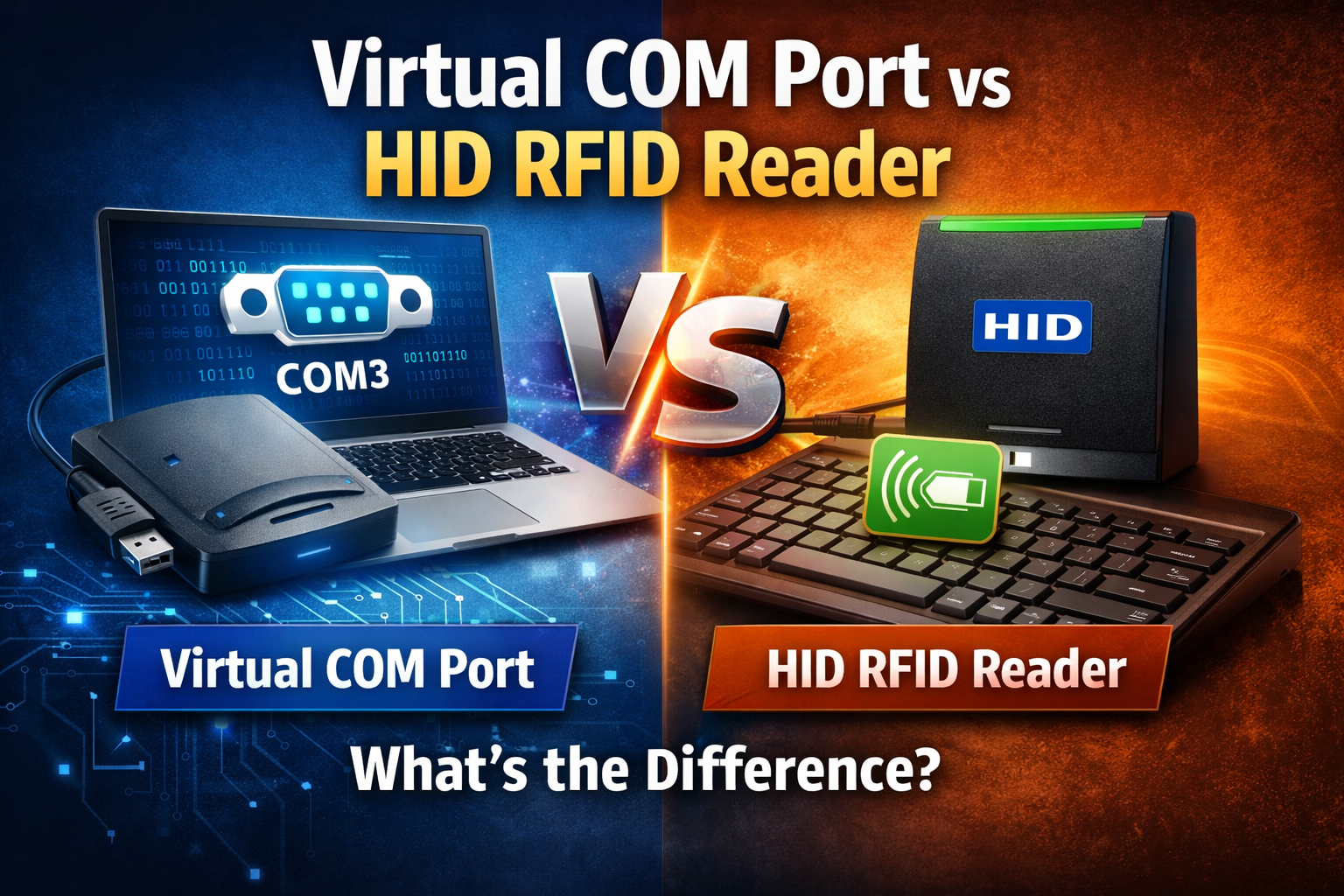
When choosing an RFID reader for your project, one of the most overlooked—but critical—decisions is communication mode. Most USB RFID readers operate in one of two modes:
- Virtual COM Port (VCP / USB CDC)
- HID (Human Interface Device)
Although the hardware may look identical, the communication mode fundamentally affects software integration, system compatibility, data control, and deployment complexity.
This article explains the technical differences, real-world use cases, and selection criteria for Virtual COM Port vs HID RFID readers.
What Is a Virtual COM Port RFID Reader?
A Virtual COM Port (VCP) RFID reader emulates a traditional serial port (RS-232) over USB using the USB CDC (Communications Device Class) protocol.
How It Works
- The reader appears as COM3, COM4, /dev/ttyUSBx, etc.
- Data is transmitted as raw serial data
- Requires a driver (Windows) or native support (Linux/macOS)
Typical Data Flow
Key Characteristics
- Full control over data format
- Supports custom commands
- Bi-directional communication
- Ideal for industrial and embedded systems
What Is an HID RFID Reader?
An HID RFID reader uses the USB Human Interface Device class—the same protocol as keyboards and mice.
How It Works
- The OS recognizes the reader as a keyboard
- No driver required
- Tag UID is “typed” into the active input field
Typical Data Flow
Key Characteristics
- Plug-and-play
- No software development needed
- One-way data transmission
- Extremely limited configurability
Virtual COM Port vs HID: Side-by-Side Comparison
| Feature | Virtual COM Port RFID Reader | HID RFID Reader |
|---|---|---|
| USB Class | CDC (Serial Emulation) | HID (Keyboard) |
| Driver Required | Yes (Windows) | No |
| Data Direction | Two-way | One-way |
| Custom Commands | Supported | Not supported |
| Output Format | Raw / Custom | Keyboard keystrokes |
| Integration Level | Advanced | Basic |
| OS Compatibility | Windows / Linux / macOS | Universal |
| Best For | Industrial, IoT, ERP systems | Attendance, access login |
When Should You Choose a Virtual COM Port RFID Reader?
Choose VCP mode if your project requires control, scalability, or automation.
Recommended Use Cases
- RFID middleware integration
- ERP / WMS / MES systems
- Livestock tracking systems
- UHF RFID inventory readers
- Embedded Linux / industrial PCs
- Applications needing:
- Read/write commands
- Memory block access
- Multi-tag handling
- CRC / checksum validation
Example
A UHF RFID reader collecting EPC + TID + RSSI data from hundreds of tags per second must use VCP, not HID.
When Should You Choose an HID RFID Reader?
Choose HID mode if your priority is simplicity and fast deployment.
Recommended Use Cases
- Employee attendance systems
- Simple access control
- Library checkout terminals
- Visitor registration
- Login authentication
Example
An LF 125kHz EM4100 card reader used to input ID numbers into Excel works best in HID mode—no software needed.
Performance & Stability Considerations
Virtual COM Port
- Higher throughput
- Better error handling
- Suitable for continuous reads
- Can be affected by:
- Driver conflicts
- COM port reassignment
HID
- Extremely stable
- No driver dependency
- Limited speed
- No read confirmation or error reporting
Security & Data Control
| Aspect | VCP | HID |
|---|---|---|
| Data Encryption | Possible (App-side) | Not possible |
| Read Confirmation | Yes | No |
| Write Operations | Yes | No |
| UID Only | Optional | Usually Yes |
For secure RFID applications, HID is generally not recommended.
Which RFID Reader Mode Do Manufacturers Prefer?
Most professional RFID manufacturers provide:
- Dual-mode readers (HID + VCP switchable)
- Configuration via:
- Commands
- Config tools
- Button combinations
Enterprise-grade readers default to VCP mode for system integration.
Decision Checklist
Choose Virtual COM Port if you need:
- Software integration
- Custom RFID commands
- High read rates
- Multi-tag handling
- Industrial reliability
Choose HID if you need:
- Zero installation
- No development
- Keyboard-like input
- Simple UID reading
Final Recommendation
HID RFID readers are for people.
Virtual COM Port RFID readers are for systems.
If your RFID project is temporary, simple, or human-operated, HID is sufficient.
If your RFID project is scalable, automated, or enterprise-level, Virtual COM Port is the only correct choice.


